
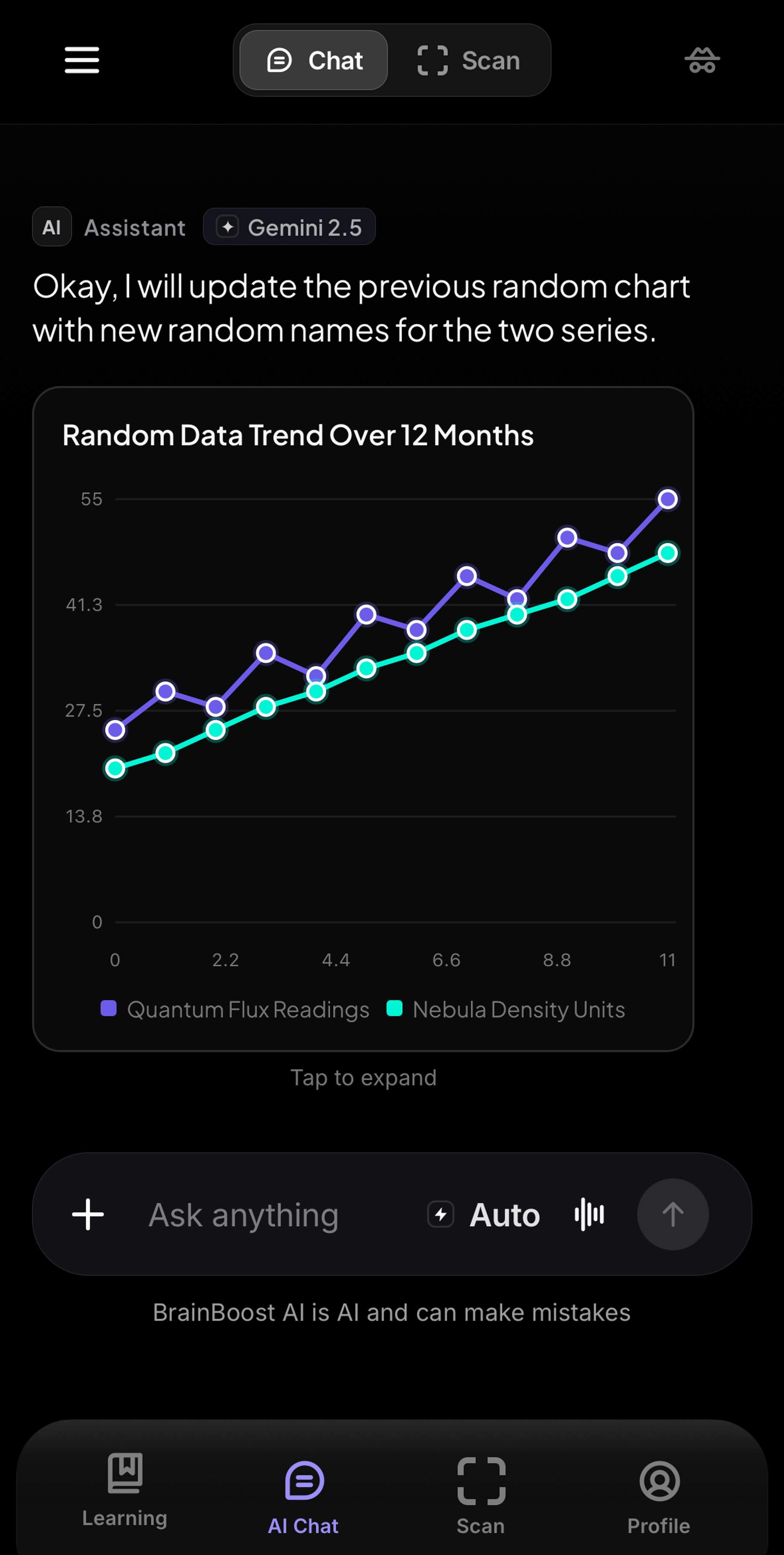
AI Chat is where most studying in BrainBoost starts. You type or paste a question and get an answer that shows its steps, and you can keep asking follow-ups in the same thread.
Ask a good question
- Open AI Chat from the sidebar (computer) or the tab bar (iPhone).
- Type the full problem, including numbers and units. "Solve 2x² − 7x + 3 = 0 by factoring" gets a better answer than "quadratic help."
- Say what you need: the steps, a check of your own answer, a simpler explanation, or practice problems.
- Press send. When the answer arrives, ask about any single step: "Why did you divide by 2 here?"
Choose a model
The model picker starts on Auto, which picks a model for you. Premium members can choose a specific model under Models, or open More models for the full list. How model usage works in the picker explains how each choice counts toward your daily AI.
Search the web
For news, scores, weather, or anything recent, open the search menu next to the composer and choose Web search, Research with sources, or Deep research. On Auto the chat searches when it helps. Answers built from the web link to their sources so you can check them.
The + menu
Tap + in the composer for more tools: Skills (quizzes, solvers, essays, and more), Connectors (Gmail, Notion, Drive, and more), Photos, Add files, AI Humanizer, AI Detector, Web search, and Deep summarize for a detailed study report. On iPhone there is also Camera.
Manage your chats
- New chat starts a clean thread. It is at the top of the sidebar on a computer and in the chat menu on iPhone.
- On iPhone, tap Menu to see your history. You can Search chats, Pin chat, Rename chat, or Delete chat (or swipe a chat to delete it).
- To remove everything, use Clear all chats in Settings, then confirm Delete all.
Use it honestly
AI can make mistakes, so check final answers on graded work and follow your teacher's rules on AI tools. The goal is to understand the method well enough to do the next problem yourself.
Still stuck?
Email thebrainboostsupport@gmail.com with what you tried, your device, and a screenshot if you can. You can also check the FAQ.